
Specialty retail
Barcode checkout, live stock and customer profiles for gift, hardware and electronics stores.
Retail & grocery POS system
Scan, sell and watch stock move in real time. ScomsPOS is a cloud retail POS system with barcode checkout, grocery-grade inventory and multi-store reporting, on one cloud POS platform.
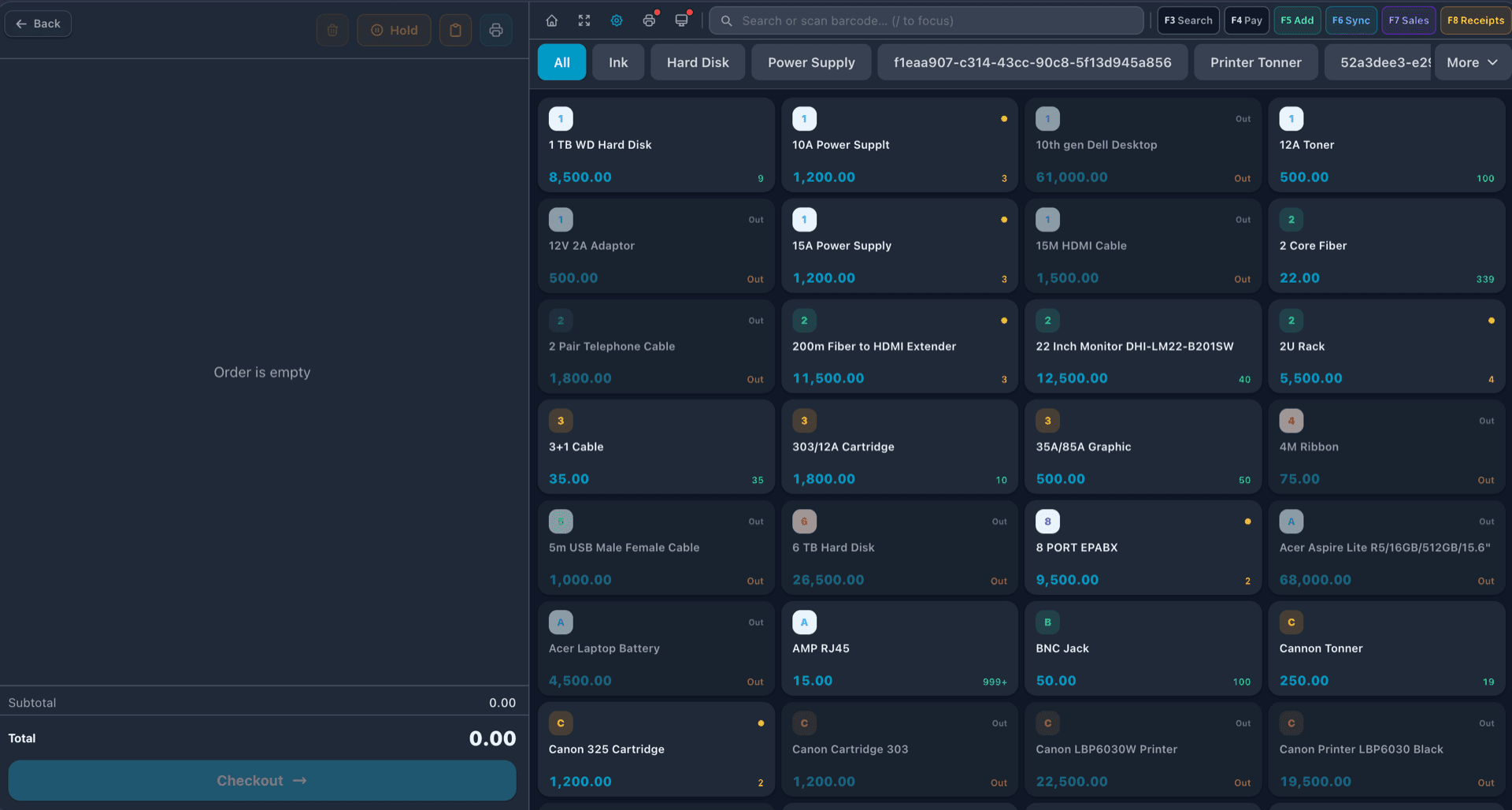
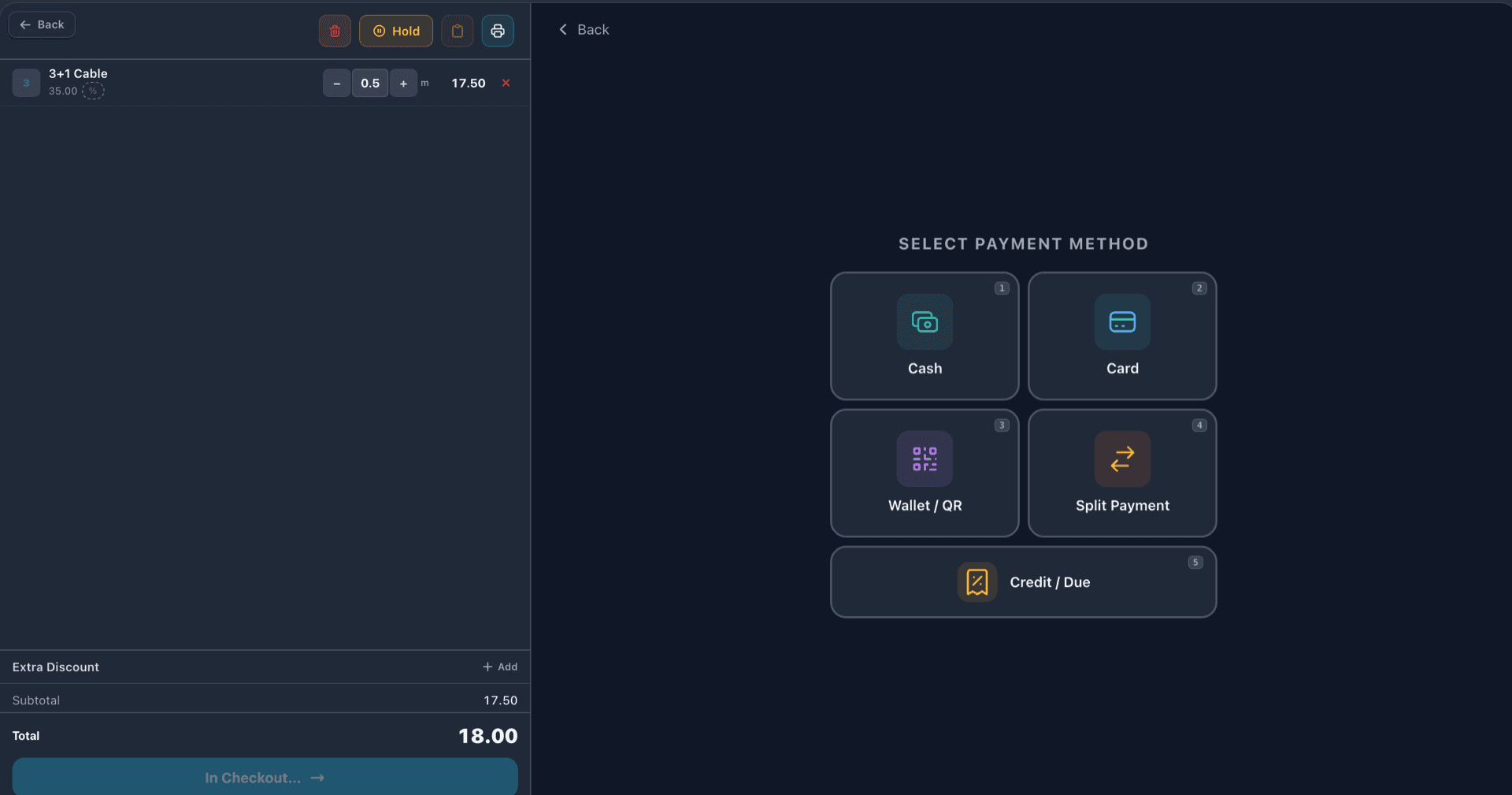
Checkout
Scan a barcode or search the catalog, adjust quantity and take payment the way the customer wants to pay: cash, card, wallet/QR, split across methods, or on credit for regulars.
Sell cable by the metre, rice by the bag or produce by weight — fractional quantities are part of the checkout, not a workaround.
Inventory
Every product can have several units — buy by the case, sell by the pack or piece — each with its own price and barcode, while stock is kept in one base unit.
Record lot numbers and expiry dates when stock arrives. At checkout the earliest-expiring batch is offered first, expired stock can be blocked from sale, and a near-expiry report shows what to discount or pull.
Growth
Add locations to the same account: a shared catalog, stock visibility across branches, per-store reporting and role-based staff access, so each team sees only its own store.
Know your customers, not just your sales — customer profiles, loyalty points and gift cards work at every till and on your online store. Read how one POS runs across multiple locations.
Built for retail
Thousands of SKUs, case and pack units, weighed produce, lots and expiry dates.
Learn moreBarcode checkout, live stock and customer profiles for gift, hardware and electronics stores.
Counter speed, sold-out control and sales by weight.
Learn moreShared catalog, branch stock and per-store reports from one dashboard.
Points and gift cards that work at every till and online.
Your own online store on the same stock — customers order online and pick up in store.
Learn moreAdd online ordering
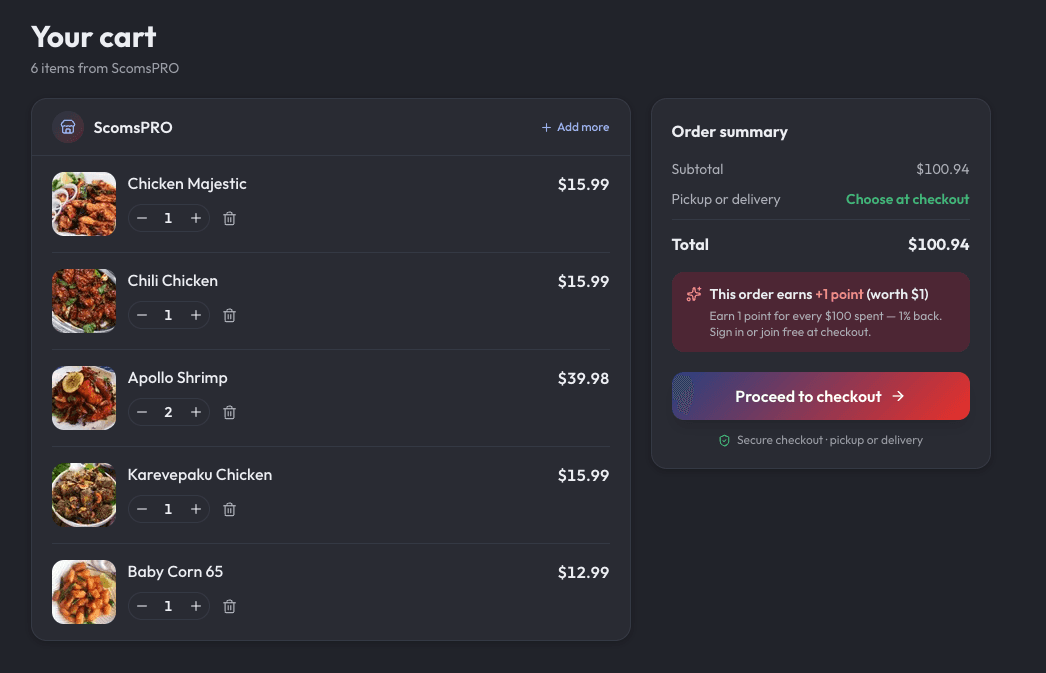
Your own online store sells from the same catalog and inventory as your counter. Orders land on the POS for pickup or local delivery, and nothing sells online that's out of stock in store.
Explore online ordering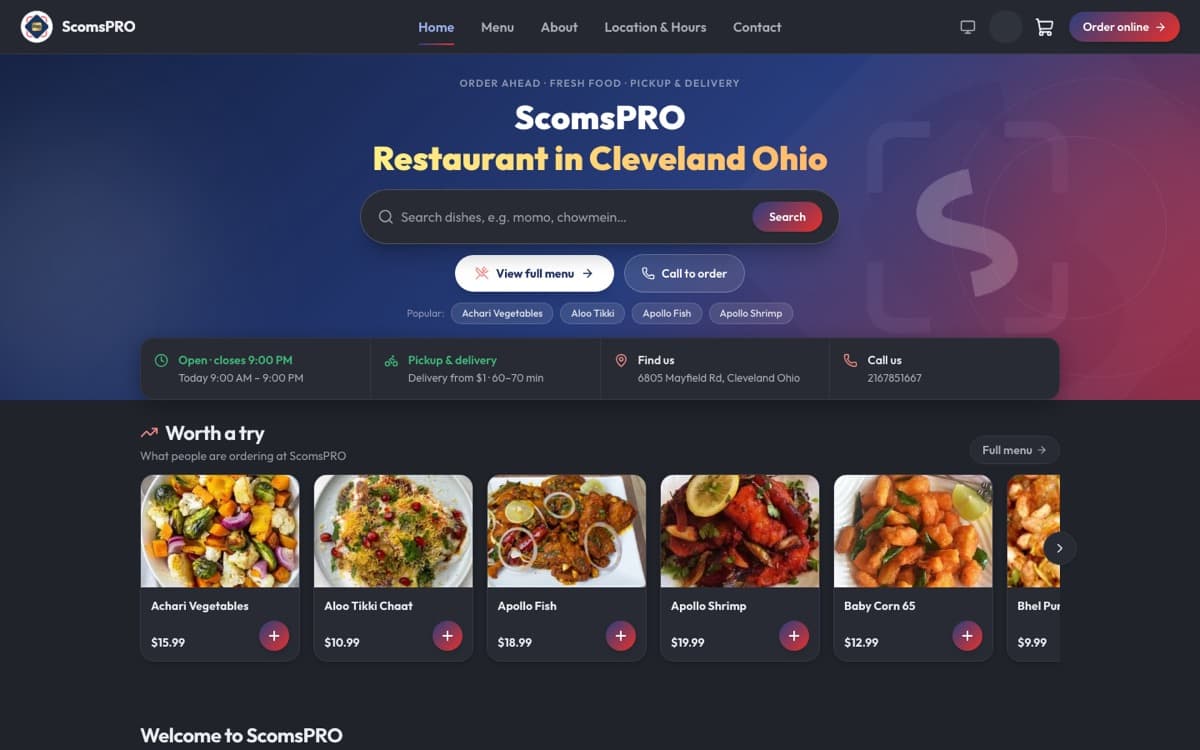
Simple pricing
Free catalog and menu setup on every plan. Runs on the devices you already own.
Compare plansPOS only
from $10/month
Sell & grow — POS, ordering website, loyalty & marketing
$45/month + 4% platform fee per online order
Questions owners ask
Yes. ScomsPOS runs on Android tablets and phones or in any browser, and works with barcode scanners, receipt printers and cash drawers — there is no proprietary hardware lock-in.
Yes, and it is the core of the product rather than an add-on. Every sale updates stock in real time. Products can have several units — case, pack, piece — each with its own price and barcode, items can be sold by weight, and batches and expiry dates are tracked. Low-stock flags and reorder suggestions help you build purchase orders to the right supplier.
Yes. Multi-store retailers manage every location from one dashboard: a shared catalog, stock visibility across branches, consolidated reporting, and role-based access so staff see only their own store.
Inventory analytics identify fast-moving products and dead stock, so purchasing decisions are based on what actually sells rather than what the stockroom feels like. Sales dashboards show revenue and margins in real time across locations.
Yes. ScomsPOS is fully cloud-based, so sales, stock levels, and reports are available from any device wherever you are. Every transaction updates the books in real time, and your data is backed up in the cloud automatically.
Yes. Your own online store runs on the same catalog and stock as the register, online orders appear on the POS, and every sale becomes a sales invoice that posts to your accounting — so in-store sales, online orders, stock and revenue stay reconciled in one system.
ScomsPOS starts at $10 per month for one register (up to 500 items), or $20 per month for multiple users, CRM, loyalty and multi-location management. Add your own online store, loyalty and marketing with Sell & grow: $45 per month plus a 4% platform fee per online order. No setup fees, and catalog setup is free.
See how your own menu would look and sell on NEAPES. We'll show you the numbers, not a slideshow.
Square, Toast, Clover, Shopify POS, and ScomsPOS compared on pricing models, hardware lock-in, and retail inventory depth.
Central catalogues, tracked stock transfers, per-jurisdiction tax, and the reporting questions that only exist at scale.
SKU-level vs recipe-level inventory, atomic vs open transactions — how the two models diverge under the hood.