
Think about the last time you picked somewhere to eat in a part of town you didn't know well. You probably typed something like "thai food near me", looked at the first three or four places on the map, flicked through some photos and reviews, and picked one. The whole thing took about a minute.
That minute is what restaurant SEO is about. You don't need to rank for everything. You need to be one of those few places when someone close by is hungry for what you cook, and when they tap, they should land somewhere they can order from you.
A lot of owners assume SEO is technical and expensive. The parts that matter most are neither. This is where we'd spend the time, in order.
How Google picks the restaurants it shows
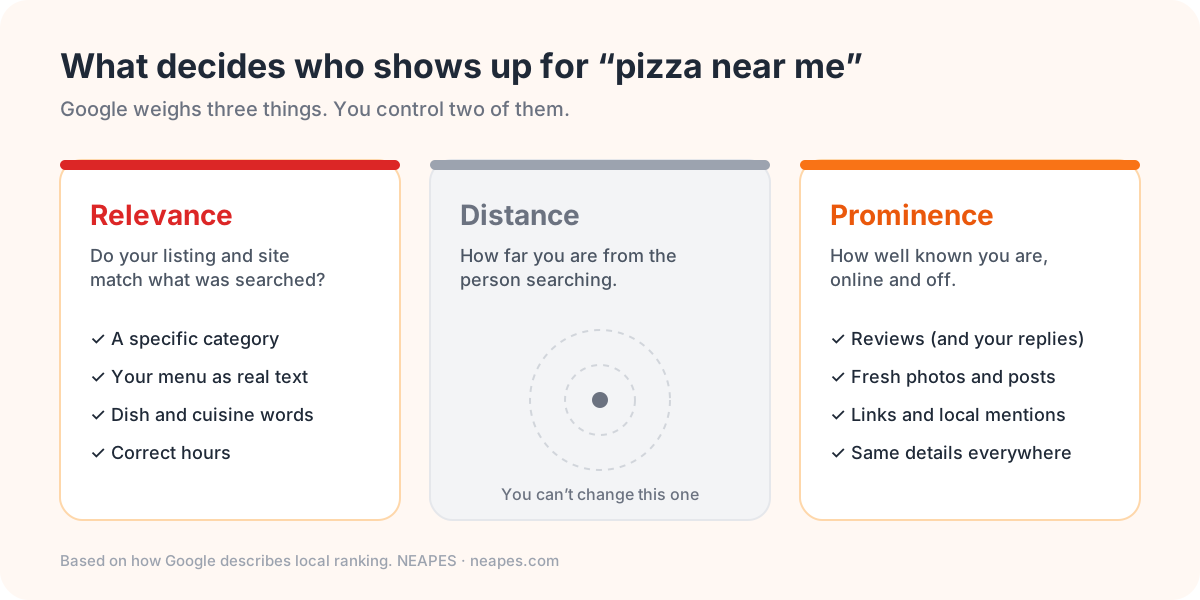
Google says it looks at three things for local results. Relevance is whether your listing and website match what was searched. Distance is how far you are from the person searching, and there's nothing you can do about that. Prominence is how well known you are, which Google judges from reviews, links, mentions around the web and how your site does in search in general.
Start with your Google Business Profile
If you only do one thing from this article, do this. For plenty of restaurants, the Google profile (the panel with your photos, hours and reviews in Search and Maps) gets seen more than the website does. It's free, and a lot of profiles are only half filled in.
The category is what people get wrong most often. "Restaurant" is too broad. If you're a Thai place, choose "Thai restaurant" as your primary category, and add secondary ones like "Takeout restaurant" if they're true. Then get your hours exactly right, holiday hours included. Nothing earns a one-star review faster than a locked door at 8:45 when Google said you're open till nine.
Add a menu link and an order link, and point both at your own website (more on why below). And add photos. Real ones, taken on your phone, of the food people actually order.
There's a lot more to the profile than that, so we wrote a separate field-by-field guide to Google Business Profile for restaurants.
Put your menu on your website as actual text
This is the problem we see most on restaurant websites: the menu is a PDF, or a photo of the printed one. It looks fine on a laptop. On a phone it's a pinch-and-zoom chore, and search engines get far less out of it than out of a normal web page.
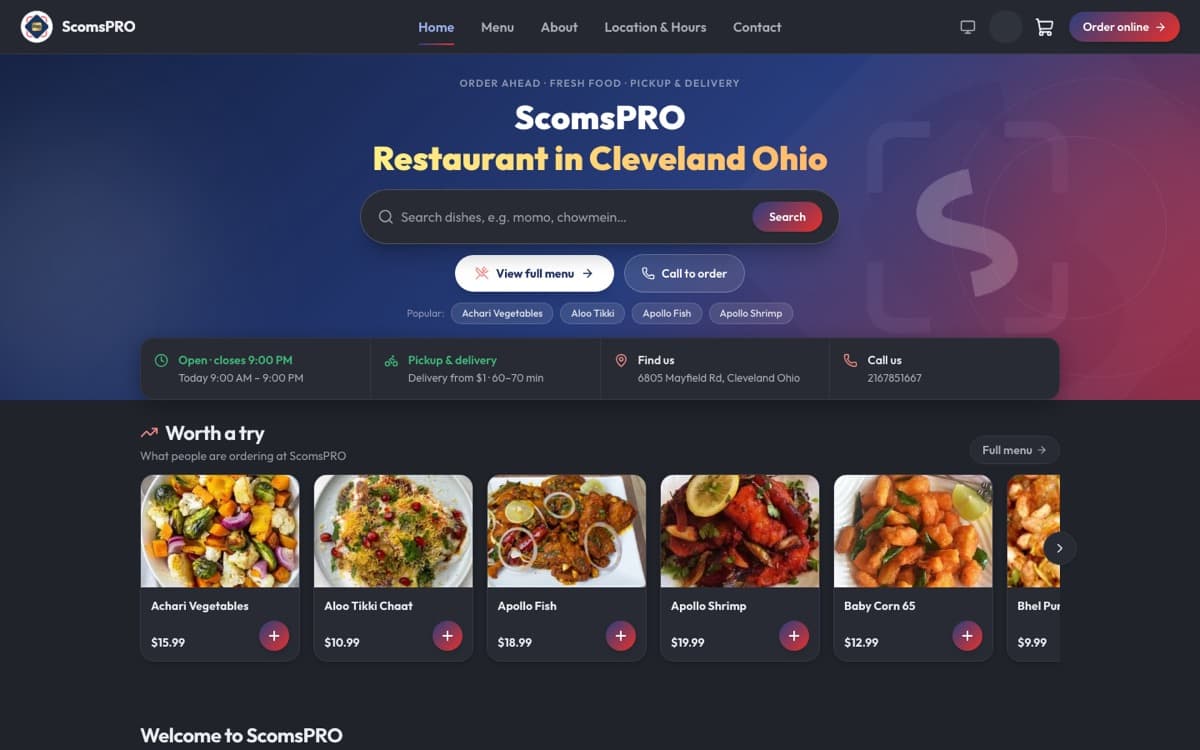
When the menu is written out as text, every dish name and description is something Google can match to a search. Someone searching "lamb biryani columbus" can find the restaurant with "Lamb Biryani" on its menu page. They're much less likely to find the one where the same dish is buried in a scanned image.
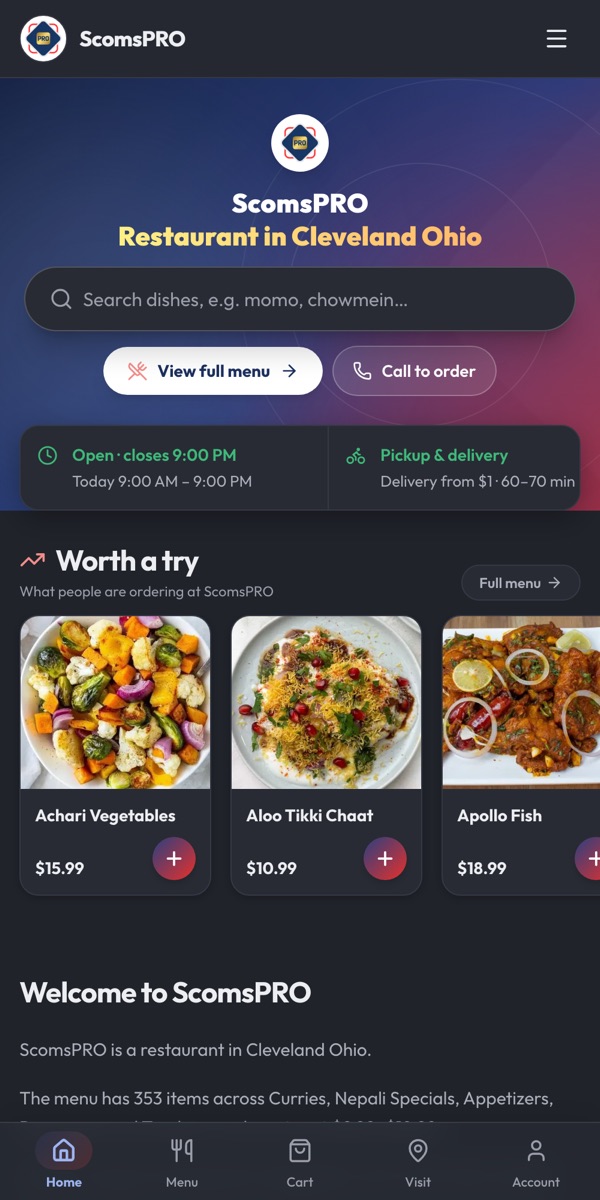
While you're on your site, check three more things. It should load quickly on a phone with an average signal. The buttons people want (order, call, directions) should be at the top, not tucked in the footer. And your name, address and phone number should match your Google profile exactly, right down to "St" or "Street". If you have more than one location, give each one its own page with its own address and hours.
Use the words your customers actually type
People rarely search for a restaurant by name until they already know it. They search for a dish, a cuisine or a situation, plus a place: "momo near me", "ethiopian restaurant cincinnati", "late night food lakewood", "gluten free pizza".
Put those words where they'd naturally go: your page title, the first paragraph on your homepage, your menu section names and your dish descriptions. If locals spell a neighborhood two different ways, use both somewhere. What doesn't work any more is a block of keywords pasted at the bottom of the page. It reads like spam, and Google treats it that way.
Reviews: ask everyone, answer everyone
Reviews do two jobs. They count toward prominence, and they're what a hungry stranger reads before choosing you. Most happy customers will leave one if you ask at the right moment and make it easy. Put your review link on the receipt, on a card in the takeout bag, and in the "your order is ready" message.
Don't offer anything in return for a review. It's against Google's rules and it isn't worth the risk. Do reply to every review, especially the bad ones. A short, calm reply that says what you're fixing tells the next reader more about you than another five stars would.
Structured data, briefly
Structured data (you'll also hear "schema markup") is a bit of code on your pages that spells out, in a format search engines understand, that this is a restaurant, these are its hours, here's the menu and here's where to order. It won't push you to the top on its own, but it takes the guesswork out. We cover what owners need to know about it separately. If your ordering system generates it for you, and it should, you can mostly forget about it.
Now check where the click goes
This is the part a lot of restaurants miss. You do all this work to get found, and then the "Order online" button on your Google profile sends people to a delivery app. Every order your own SEO earned now pays a 15 to 30 percent commission, and the customer is looking at a screen full of your competitors.
Point that button at your own ordering website and the same customer orders from you, pays you, and ends up on your customer list, where you can reach them again with a reward or a slow-Tuesday offer. Our breakdown of DoorDash's fees shows what that adds up to over a month.
Mistakes we see all the time
- The menu is a PDF. (We've covered that one.)
- The phone number on Yelp or Facebook belongs to the previous owner.
- Three locations share one page, so none of them ranks well.
- Every "order" link on every platform goes to an app.
- The newest photo on the Google profile is two years old, and so is the last review reply.
Half an hour a week is enough
You don't need a big SEO project. Pick a quiet half hour each week and do four things: reply to new reviews, add two or three fresh photos to your Google profile, check the hours for anything coming up like a holiday or a private event, and update the menu for sold-out dishes, specials and price changes. Keep that up for a few months and you'll be ahead of most restaurants around you.
Where NEAPES fits
We build restaurants their own ordering websites, and we built them with all of this in mind. The pages are fast on a phone, the menu is real text, and the behind-the-scenes search setup is taken care of for you and kept in step with your live menu, so it never goes stale. Orders land on your POS, and you pay a flat monthly plan plus a small per-order fee instead of a commission. Have a look at how NEAPES online ordering works, or if you're in Northeast Ohio, come and talk to us.
Frequently asked questions
What is restaurant SEO, in simple terms?
It's everything that helps your restaurant show up when people nearby search for food on Google Search and Maps. That means your Google Business Profile, a website with your menu as text, your reviews, and structured data that describes your restaurant.
How do I get my restaurant into "near me" results?
Finish your Google Business Profile with a specific primary category, correct hours, photos, and menu and order links. Keep your name, address and phone the same everywhere. Collect reviews and reply to them, and make sure your website is fast on a phone with the menu written out as text.
Is a PDF menu bad for SEO?
It's a weak choice. PDFs are slow and awkward on phones, and search engines get much less out of them than out of a normal web page with dish names, descriptions and prices written as text.
Does online ordering help with SEO?
It can. An ordering website puts your whole menu online as text, which helps with dish and cuisine searches. It also means the "Order online" click from Google becomes a direct order instead of a marketplace order.
How long before I see results?
Changes to your Google profile, such as category, hours and photos, can show up within days. Website rankings and review numbers build over weeks and months, which is why a short weekly routine beats a one-off push.
Tagged: